
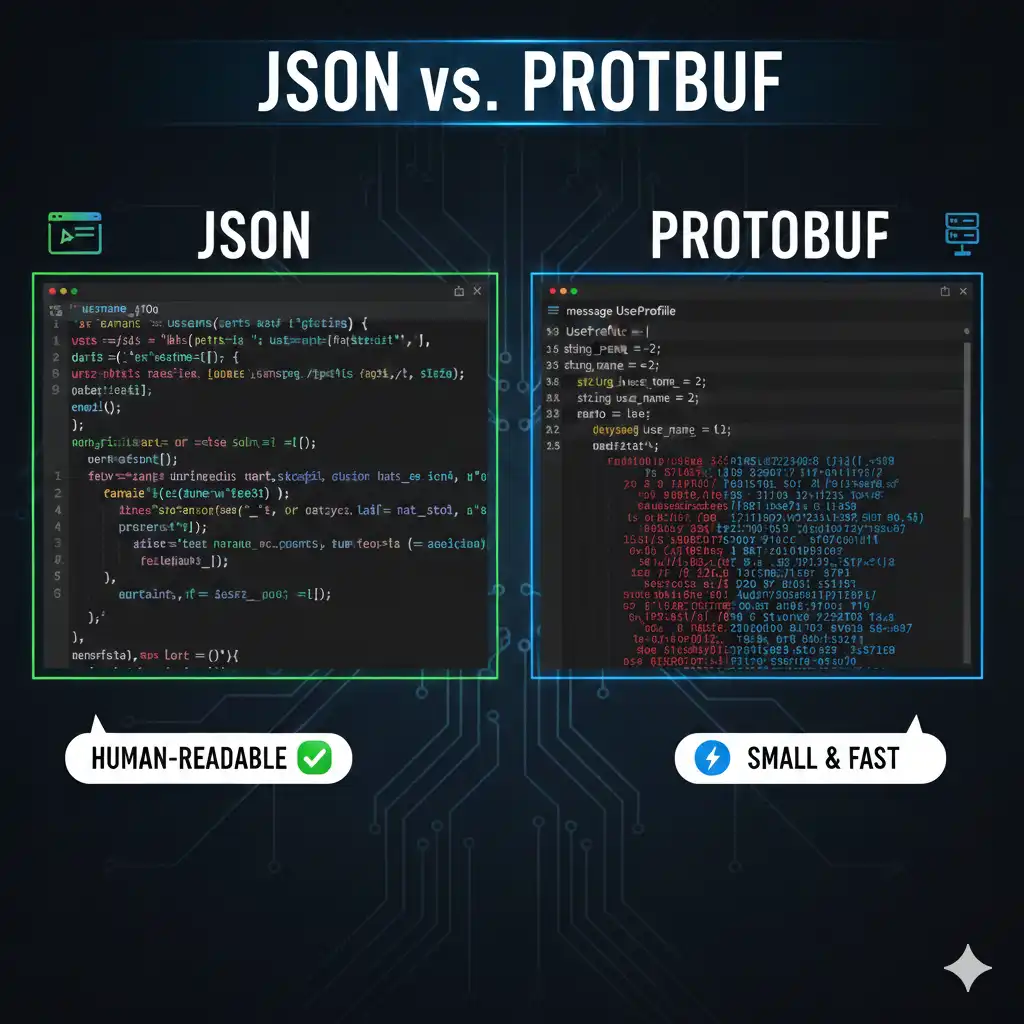
As a developer, choosing between JSON and Protobuf (Protocol Buffers) is one of those classic “right tool for the job” scenarios. I usually base my decision on whether I’m prioritizing human readability or machine efficiency.
Here is how I break down these two formats from a dev perspective.
1. JSON (JavaScript Object Notation)
JSON is the industry standard for web APIs. It’s a text-based format that is easy for humans to read and for almost every programming language to parse without much setup.
When to use it:
- Public APIs: If you want other developers to easily consume your data (like a REST API), JSON is the way to go.
- Rapid Prototyping: You don’t need a schema or a compilation step. You just send the data.
- Configuration Files: Since humans often need to edit
.jsonfiles (likepackage.json), readability is king. - Web Browsers: JavaScript handles JSON natively with zero overhead.
Pros/Cons:
- Pros: Self-describing, easy to debug in the network tab, huge ecosystem.
- Cons: Large file sizes (because keys are repeated in every object), slow parsing for very large datasets.
2. Protobuf (Protocol Buffers)
Developed by Google, Protobuf is a binary serialization format. Unlike JSON, it is strongly typed and requires a predefined schema (.proto file).
When to use it:
- Microservices (gRPC): When services are talking to each other internally, you want the smallest, fastest payload possible.
- Mobile Apps/IoT: On devices with limited bandwidth or battery, the smaller binary size of Protobuf saves significant resources.
- Large-scale Data Storage: If you’re storing billions of records, saving 30-50% on disk space by using binary instead of text adds up to huge cost savings.
- Strict Type Safety: If you want to ensure that a “Price” field is always a
floatand never astring, Protobuf enforces this during code generation.
Pros/Cons:
- Pros: Extremely fast serialization/deserialization, tiny payloads, automatic code generation for multiple languages.
- Cons: Not human-readable (you need a decoder to see the data), requires a compilation step to generate classes.
Summary Comparison
| Feature | JSON | Protobuf |
| Format | Text (UTF-8) | Binary |
| Readability | High (Human-readable) | Low (Machine-readable) |
| Size | Larger (Includes keys) | Small (Uses field numbers) |
| Speed | Slower parsing | Much faster parsing |
| Schema | Optional (Dynamic) | Required (Strict) |
My Rule of Thumb:
- External-facing? Use JSON. It’s the “lingua franca” of the internet.
- Internal/High Performance? Use Protobuf. When you have thousands of microservices talking to each other, the CPU and bandwidth savings are too big to ignore.
For Example:
To truly understand the difference, you have to look at how each format stores the same information. While JSON is self-describing (it carries the labels with the data), Protobuf is contract-based (it uses a separate file to define what the labels are).
1. The JSON Example
In JSON, every message must include the “keys” (like "userName"). If you have 1 million users, you send the word "userName" 1 million times.
user_data.json
JSON
{
  "id": 101,
  "userName": "Alice Dev",
  "email": "[email protected]",
  "roles": ["ADMIN", "EDITOR"],
  "isActive": true
}
- Size: ~120 bytes.
- Pros: Open it in any text editor and you know exactly what it says.
- Cons: Highly redundant. The keys take up more space than the actual values.
2. The Protobuf Example
In Protobuf, we define a “Schema” first. Instead of using the string "userName", we assign it a Field Number (e.g., 2). On the wire, only the number 2 and the value "Alice Dev" are sent.
user.proto (The Schema)
Protocol Buffers
syntax = "proto3";

message UserProfile {
  int32 id = 1;              // Field 1 is the ID
  string user_name = 2;      // Field 2 is the Name
  string email = 3;          // Field 3 is the Email
  repeated string roles = 4; // "repeated" is like an Array
  bool is_active = 5;        // Field 5 is the Boolean
}
The Serialized Data (What travels over the network)
When this is compiled, the binary payload looks like a stream of hex codes. It doesn’t contain the words “user_name” or “email” at all.
- Size: ~35 bytes (Roughly 70% smaller than the JSON version).
- Pros: Extremely small and fast to parse. The “roles” array is packed tightly.
- Cons: If you open this file in a text editor, it looks like gibberish. You must have the
.protofile to decode it.
Comparison at a Glance
| Feature | JSON | Protobuf |
| Data Representation | Key: Value (e.g., "age": 25) | Tag: Value (e.g., 1: 25) |
| Parsing Speed | Slower (CPU must scan text) | 10x – 20x Faster (Direct memory copy) |
| Schema Changes | Flexible but risky (no validation) | Strict (version-safe and typed) |
| Payload Size | Bulky | Very Compact |
When to use which?
- Use JSON for your Public API. When you want a developer in 5 minutes to be able to call your API and see
{ "status": "ok" }without downloading a compiler. - Use Protobuf for your Internal Microservices. When you have a “User Service” talking to a “Billing Service” 10,000 times a second, saving those bytes and CPU cycles translates directly into lower server costs and faster app response times.
Leave a Reply