
-
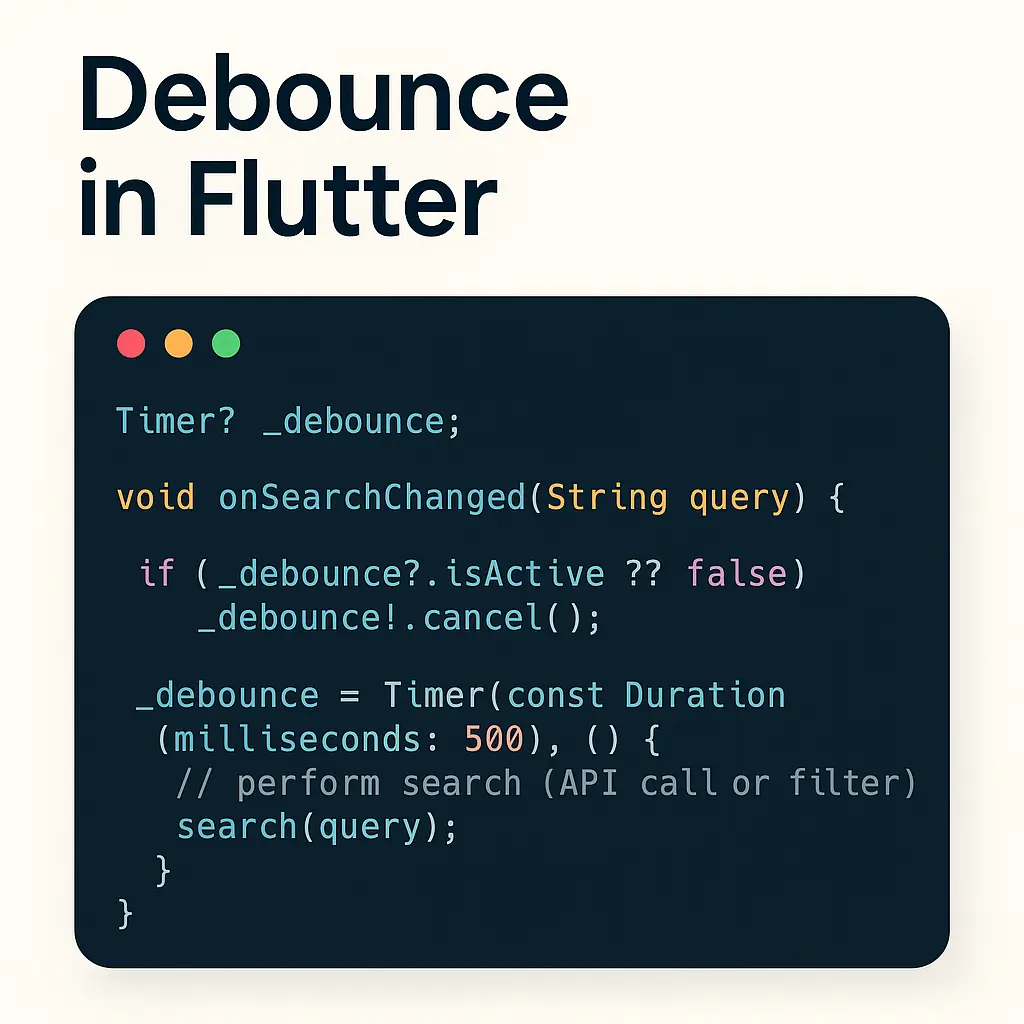
Debounce in Flutter — Reduce API Calls & Smooth User Input
When building features like search-as-you-type, you don’t want to call your API on every keystroke. That quickly creates noisy network traffic, poor battery usage, and a worse UX. Debouncing solves this: wait a short time after the user’s last keystroke, then run the action. If the user types again before the timeout ends, restart…