
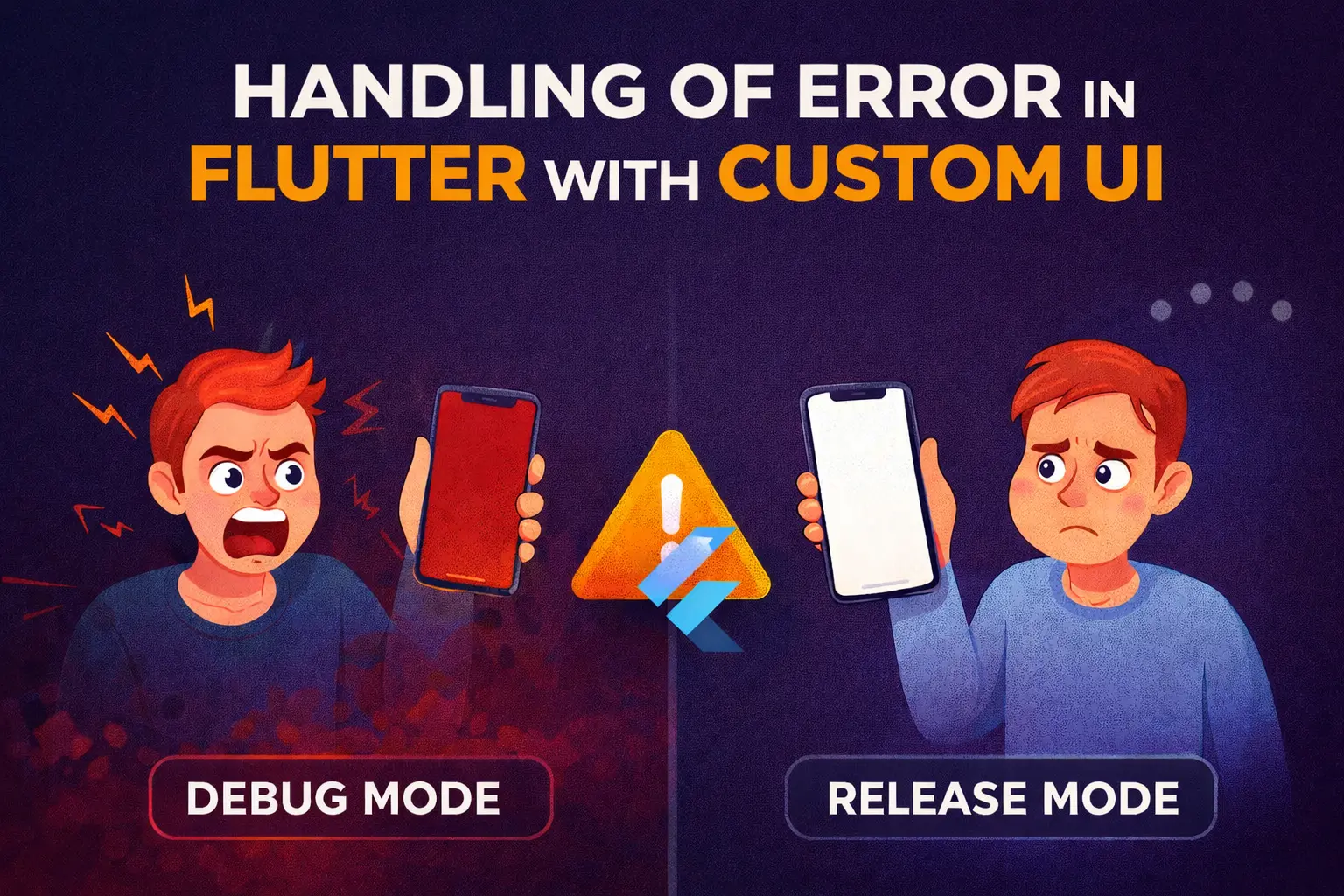
Debug vs Release: A Dangerous Illusion
In debug mode, Flutter is incredibly helpful:
❌ LateInitializationError: Field ‘user’ has not been initialized.
You see it instantly. You fix it. Life is good.
But in production?
That same error might become:
- A white screen
- A frozen view
- A dead-end navigation state
No logs.
No crash analytics.
No explanation.
To users, your app didn’t “error” — it broke.
This Isn’t a Flutter Problem
It’s a UX problem.
And a business problem.
Because from a user’s perspective:
- Blank screen = broken app
- Broken app = uninstalled app
Your code may be technically “safe,” but your experience isn’t.
What Actually Helps in Production
1️⃣ Global Error Handling
Errors will happen. The goal isn’t to prevent them — it’s to own them.
A global error handler lets you intercept failures instead of silently dying.
FlutterError.onError = (FlutterErrorDetails details) {
  navigatorKey.currentState?.pushReplacement(
    MaterialPageRoute(
      builder: (_) => ErrorScreen(errorDetails: details),
    ),
  );
};
Now you control what the user sees.
2️⃣ Friendly Fallback Screens
Not red screens.
Not stack traces.
Human messages.
✅ “Something went wrong.”
✅ “We’re fixing it.”
✅ “Try again” or “Go back home.”
A calm UI builds trust — even when things fail.
3️⃣ Crash Reporting (Before Users Disappear)
Use tools like:
- Firebase Crashlytics
- Sentry
- Bugsnag
So you find out before your App Store reviews do.
Silent errors are the most expensive bugs you’ll ever ship.
Good Apps Don’t Avoid Errors
They fail gracefully.
They recover.
They communicate.
They respect the user’s time.
And most importantly —
they don’t pretend everything is fine when it isn’t.
Final Thought
Your app doesn’t need to be perfect.
It just needs to fail with dignity.
How do you currently handle production errors in Flutter?
Do you show a fallback UI, log silently, or hope for the best?
Let’s talk 👇
Leave a Reply