
-
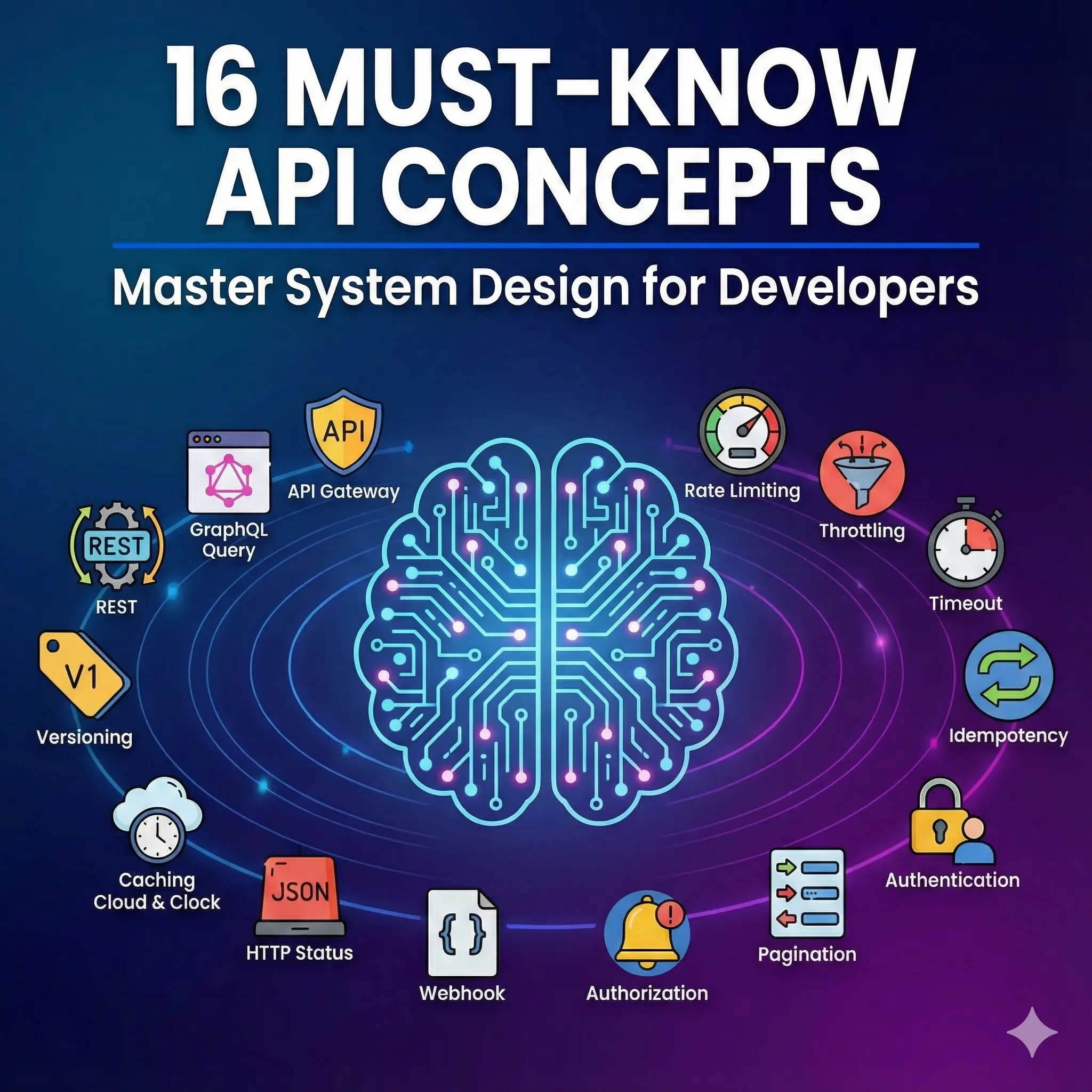
Must-Know API Concepts Every Developer Should Understand
Building an application today almost always involves communicating with a server. Whether you are building a mobile app or a microservice, understanding how APIs function is critical. Let’s dive into the 16 must-know concepts for system design and API development. 1. Architectural Styles: REST, GraphQL, & gRPC These define how the client and server…
-
🚀 Dart Cheat Sheet – A Complete Beginner-to-Intermediate Guide
Dart is a modern, object-oriented programming language developed by Google and is primarily used for building Flutter applications. This cheat sheet gives you a clear, structured, and in-depth understanding of Dart’s core concepts, exactly like the screenshot — but with real explanations and examples. 🔹 1. Variables in Dart Dart supports static typing, but…
-
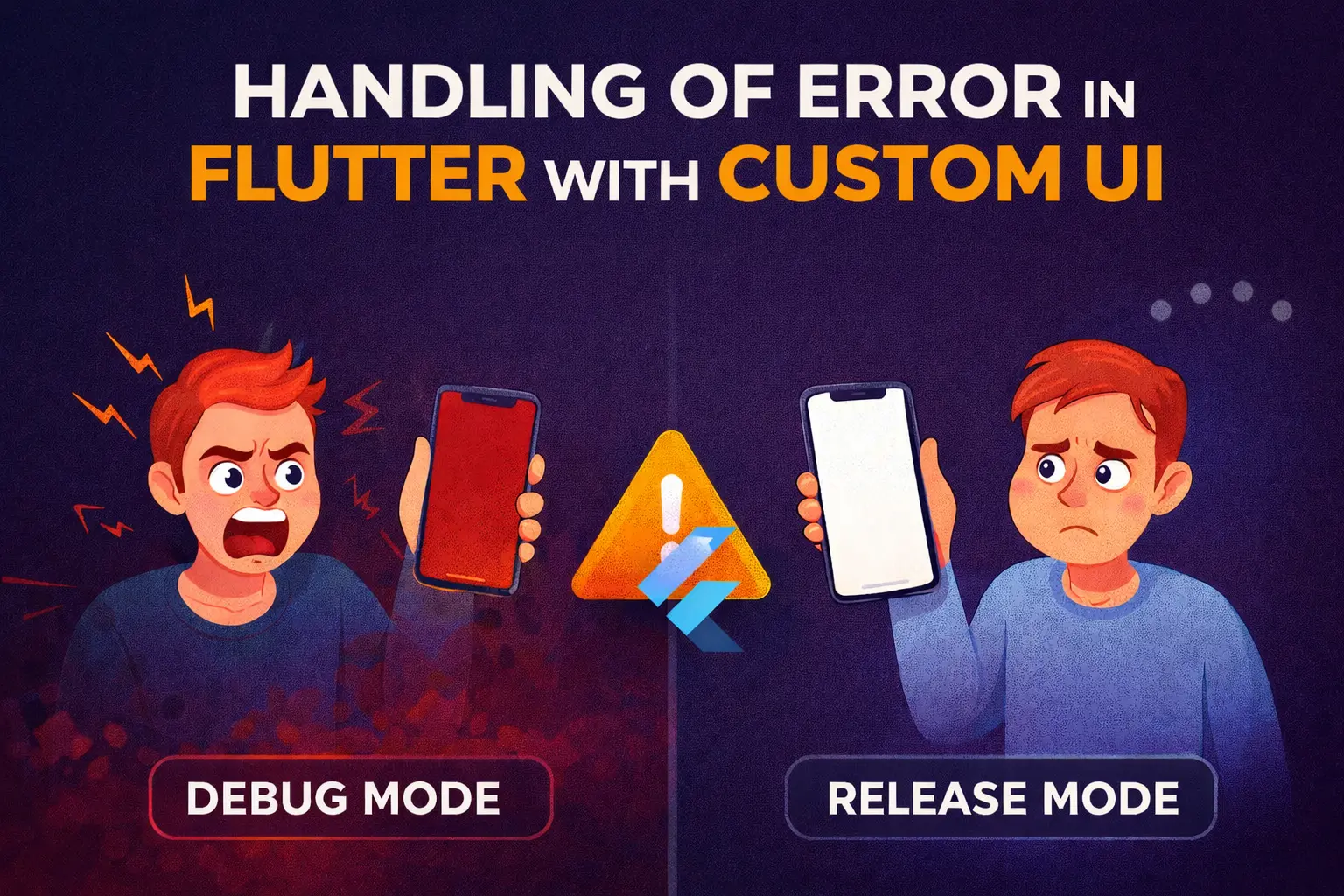
Handling of Error in Flutter with Custom UI
Debug vs Release: A Dangerous Illusion In debug mode, Flutter is incredibly helpful: ❌ LateInitializationError: Field ‘user’ has not been initialized. You see it instantly. You fix it. Life is good. But in production? That same error might become: No logs.No crash analytics.No explanation. To users, your app didn’t “error” — it broke. This…
-

🚀 Flutter FVM Setup and How to Use It in Code
Managing multiple Flutter SDK versions manually can be a headache — especially when you work on multiple projects that require different Flutter versions. That’s where FVM (Flutter Version Management) comes in handy. In this post, you’ll learn: 🧠 What is FVM? FVM stands for Flutter Version Management. It allows you to easily install, manage,…
-
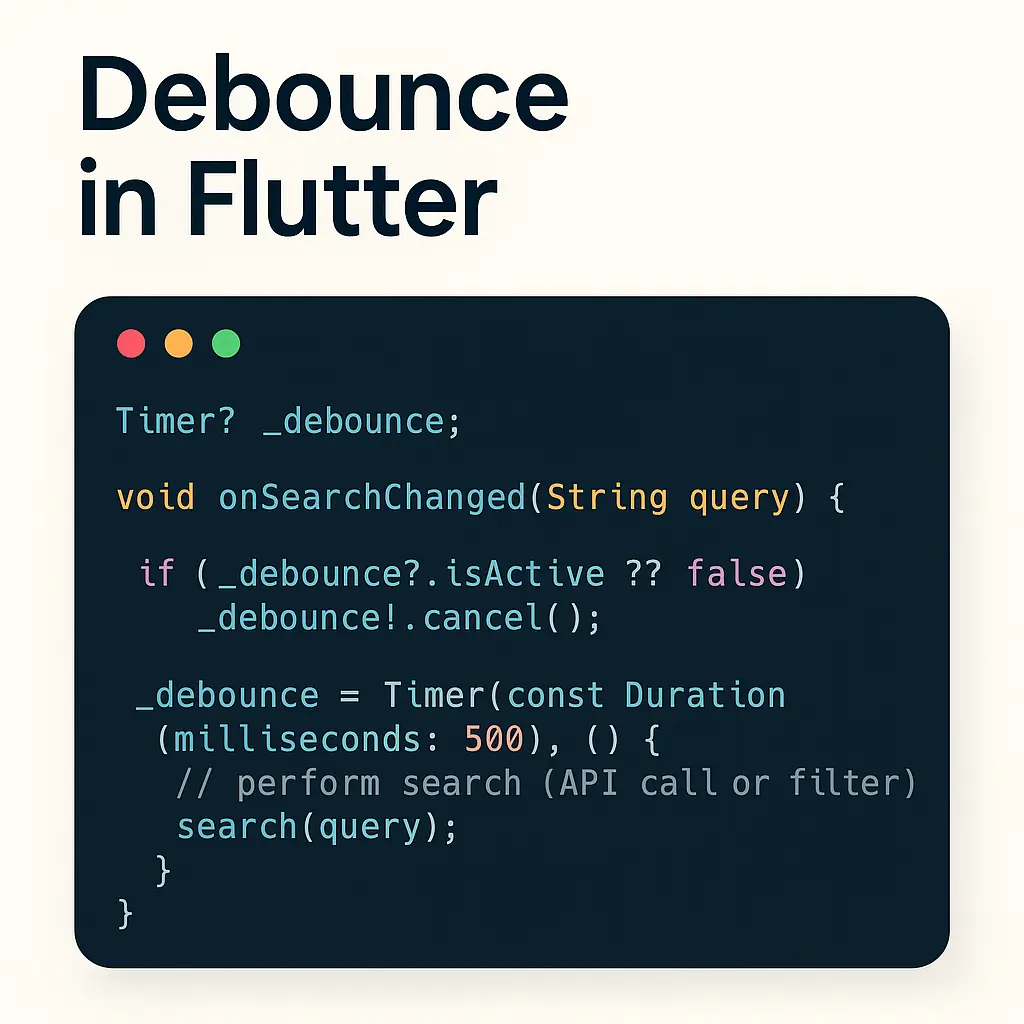
Debounce in Flutter — Reduce API Calls & Smooth User Input
When building features like search-as-you-type, you don’t want to call your API on every keystroke. That quickly creates noisy network traffic, poor battery usage, and a worse UX. Debouncing solves this: wait a short time after the user’s last keystroke, then run the action. If the user types again before the timeout ends, restart…
-
🚀 Flutter 3.38 & Dart 3.10 Are Here — And This Release Is a Game-Changer
Hey Flutter fam! 👋If you’ve been waiting for a release that truly shifts the trajectory of cross-platform development, Flutter 3.38 + Dart 3.10 is exactly that moment. After digging through the notes, commits, tools, breaking changes, and new SDK updates, I can confidently say this is one of the most impactful updates in recent…
-
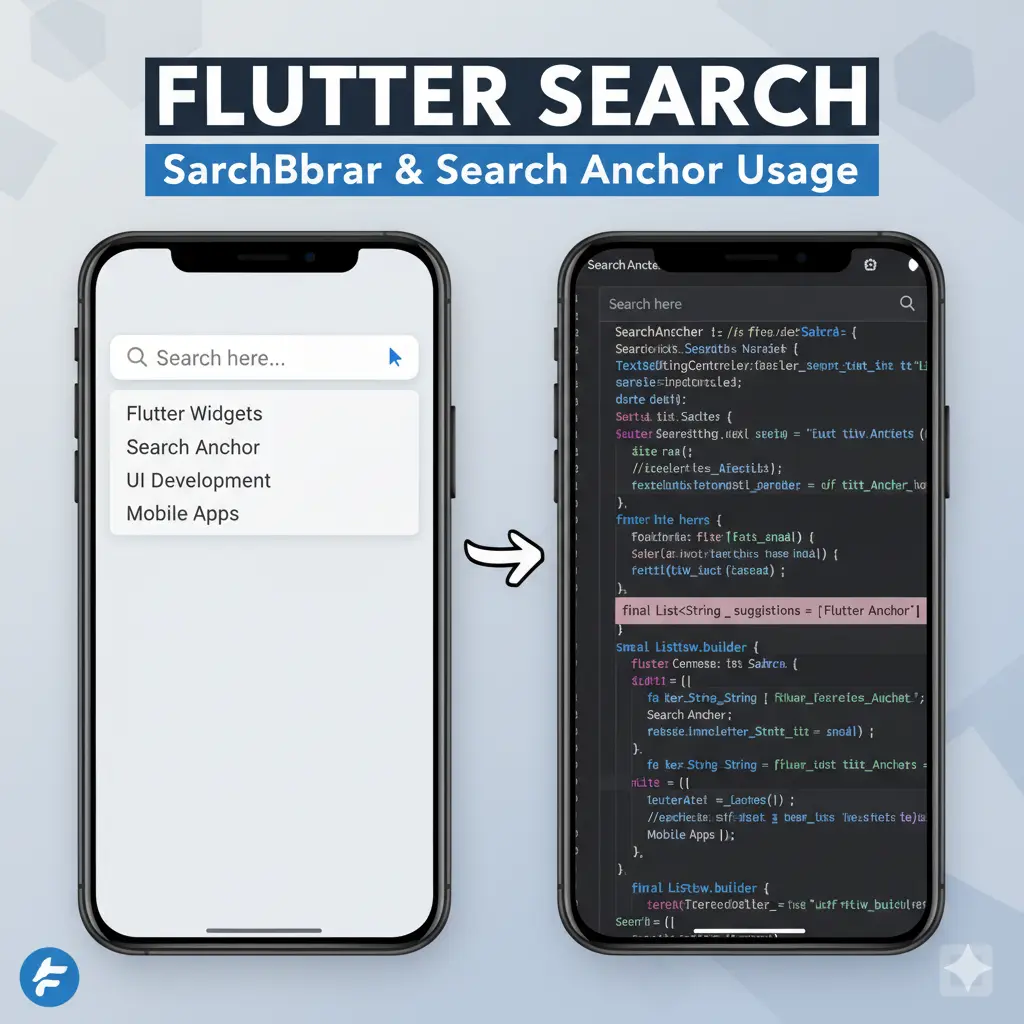
🔍 Elevate Your App’s Search Experience with Flutter’s Material 3 Widgets
Are you building your app’s search experience from scratch? If so, it’s time to reconsider. Flutter’s Material 3 library offers two powerful widgets—SearchBar and SearchAnchor—that streamline the process and deliver a polished, intuitive search interface with minimal effort. 🧩 What Are SearchBar and SearchAnchor? These widgets are designed to work together: Together, they offer…
-

Master the S.O.L.I.D. Principles in Dart/Flutter: Build Robust Mobile Apps
The S.O.L.I.D. Principles are five foundational design guidelines crucial for developing software that is maintainable, flexible, and robust. Applying these principles in Dart/Flutter allows you to build scalable and testable mobile applications by enforcing better separation of concerns and reducing coupling. Let’s explore each principle with practical Dart/Flutter code examples! S – Single Responsibility…